
Tata Pay UPI Features
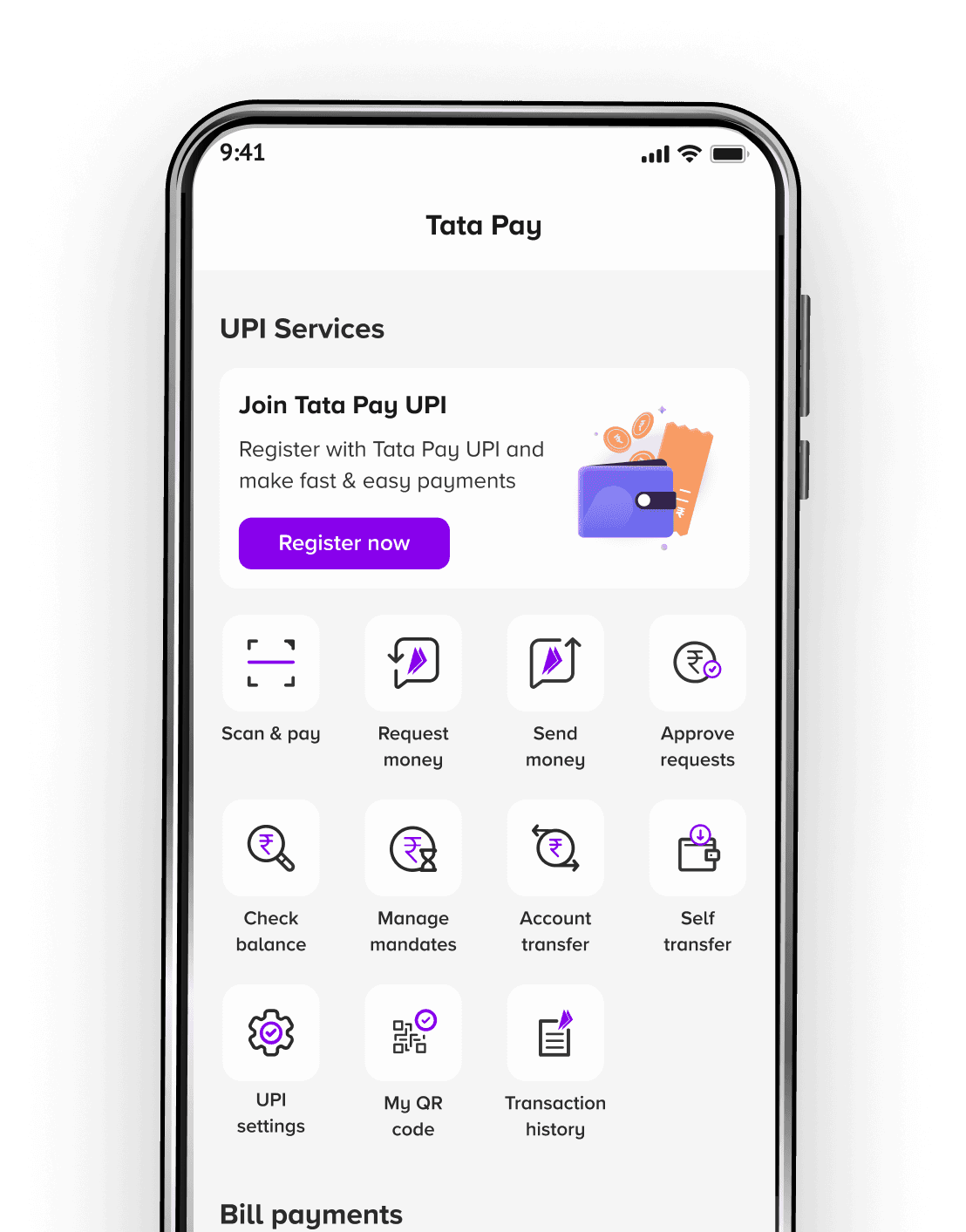

The most rewarding UPI experience!
Use NeuCard for your UPI payments and earn up to 1.5% NeuCoins on every transaction. Enjoy the ease of seamless payments and the perks of earning rewards.
BEST IN CLASS
Tata Pay UPI Features

Earn up to 1.5% NeuCoins
Select your due bill, pay them with NeuCard & earn rewards

Scan & Pay
Enjoy convenient bill payments or recharges

Set up autopay
Earn up to 5% NeuCoins by setting up autopay with NeuCard

Transfer money easily
Enjoy secure transfers with Tata Pay
New launches & Offers
Simplify payments & multiply rewards

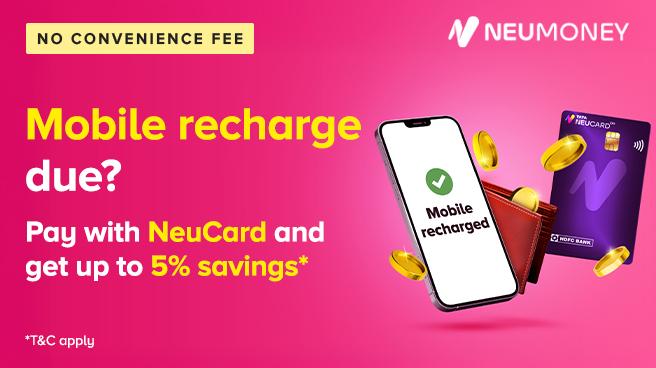

Easy breezy payments
Link your RuPay credit card to pay in 4 easy steps
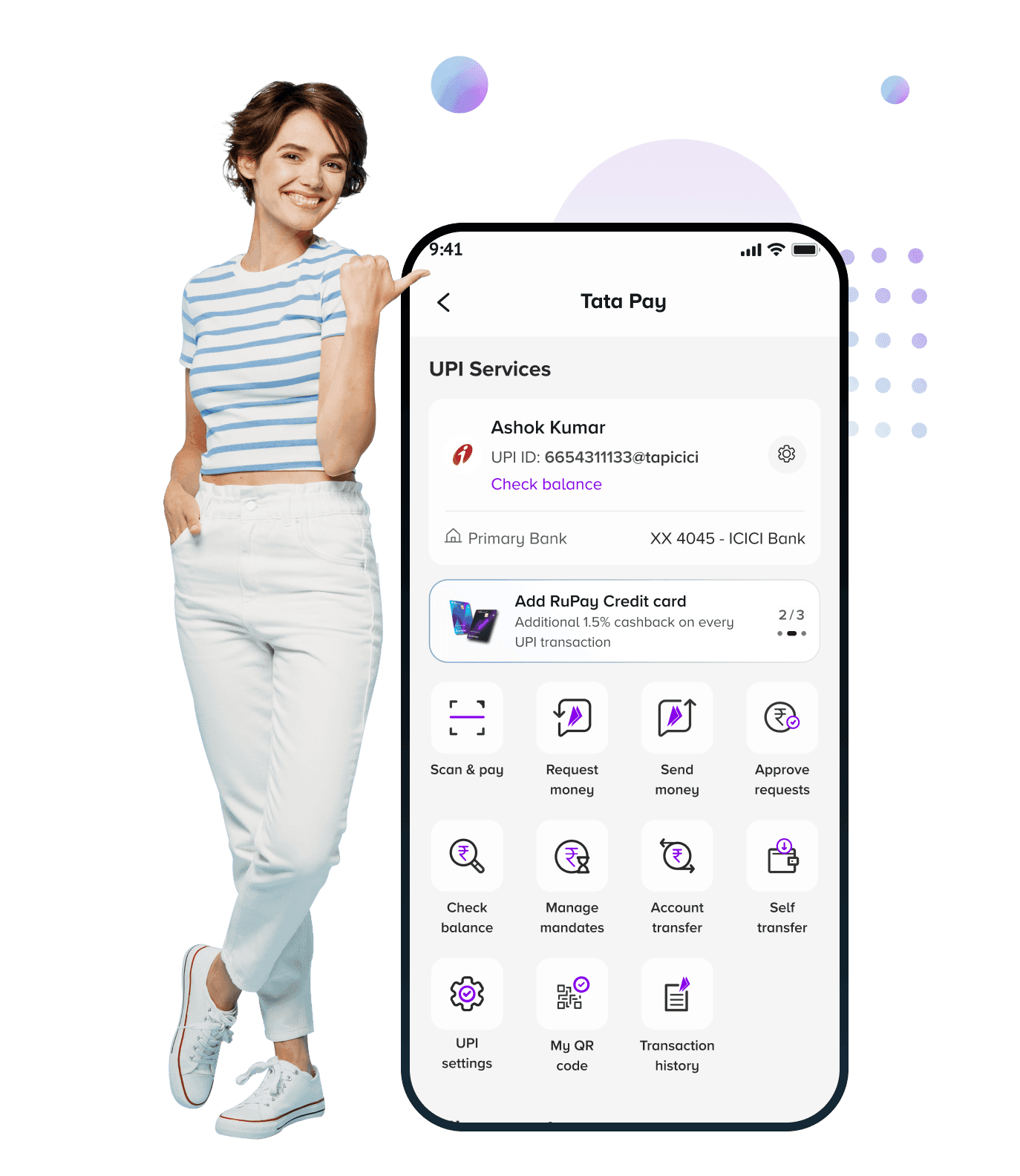
Open the payments homepage on the Tata Neu app







FAQs
All your questions, answered
How do I create a UPI ID?
Creating a UPI ID or VPA is easy. Here's how you can do it:
1. Go to "Categories" located at the bottom of Tata Neu homepage and tap on the "UPI & Cards"
2. Click "Register Now"
3. Verify your mobile number
4. Your UPI ID gets created
5. Select your bank
6. Choose the bank account you to which you want to link your UPI ID
7. Set your PIN, in case you have not done that already
And you're done! You can manage your Tata Pay UPI by going to UPI settings on Tata Pay.
How can I check my account balance?
Here's how you can check your account balance:
1. Go to "Categories" located at the bottom of Tata Neu homepage and tap on the "UPI & Cards"
2. Click "Check balance" under "UPI services"
3. Select which bank account's balance you would like to check
4. Click "Check balance"
5. Enter your UPI PIN
6. Your account balance should be on the screen under "Check balance"
Where can I find my UPI ID/VPA?
Here's how you can find your VPA or UPI Address:
1. Go to "Categories" located at the bottom of Tata Neu homepage and tap on the "UPI & Cards"
2. Your UPI ID should be visible on the Tata Pay page with all linked account details
How can I see all my UPI transactions?
Head to the Tata Neu app homepage. Next, click on "Profile -> Transactions" on the top right corner of the page. Using the filter button on the top right, filter the UPI category to view all your bill payment transactions.
If I have multiple accounts linked to my UPI ID, how do I ensure that payment gets credited to a particular account?
Any amount sent to you gets credited to your default account. Which is why, before you ask anyone to transfer money to you, you should ideally set your default account to the one where you'd like the money to be credited.
Here's how you can set/change your primary bank account:
-Go to "Categories" located at the bottom of Tata Neu homepage and tap on the "UPI & Cards"
- Go to "UPI settings"
- Click "Change primary account"
- Select the account that you'd like to set as default for credit transactions
- Confirm the change
Done! Your primary account for credit is set. You can see it under "My bank account" for easy access.
What is UPI AutoPay?
UPI is one of the most popular payment modes in India. UPI AutoPay is a feature through which you can set up automatic payments as required - one-time, daily, weekly, bimonthly, monthly, every six months, annually or as needed. The amount you set will be deducted from the bank account you choose on the date of your choice. You can use UPI AutoPay to pay bills, for content subscriptions, for utilities and more. This service helps make recurring payments smoother. It helps you avoid late fees by clearing payments on time and enjoy services without any disruption, and helps merchants because they get paid on time too.
How does automatic payment work in UPI AutoPay?
Once you approve an AutoPay request, the merchants can get paid automatically if the transaction amount is less than INR 15,000. In case the AutoPay amount is higher than INR 15,000, you will be asked to authorise the payment every time the merchant requests a payment.
What is AutoPay authorisation?
After setting up AutoPay, you will be asked to authorise a transaction every time the amount is higher than INR 15,000. The request for approval of this payment is called an authorisation request.
What is a mandate?
With this feature you can pre-authorise (mandate) a transaction for debit from your bank account later. A UPI mandate is to be used in scenarios where money is to be transferred later, however the commitment towards that is to be made now. It is possible that the sender may forget to send money later, so a mandate is created for a service/merchant payment. The customer's account shall get debited when the mandate is executed, i.e. on the later date.
How do I create a UPI number on Tata Pay UPI?
Creating a UPI Number is easy. Here's how you can do it:
1. Go to "Categories" located at the bottom of Tata Neu homepage and tap on the "UPI & Cards"
2. Click "UPI Settings"
3. Click "Manage UPI Numbers" and you will see your linked UPI Numbers here, if any
4. Click "Link Mobile Number", if you wish to add your mobile number as your UPI Number
OR
Click "Add new UPI Number", if you want to create a unique 8 or 9 character number as your UPI number. Enter your desired 8- or 9-character number.
5. Click "Proceed"
And you're done! You can manage your UPI Number by visiting this section again.
How do I delete a UPI number on Tata Pay UPI?
Here's how you can delete your UPI Number:
1. Go to "Categories" located at the bottom of Tata Neu homepage and tap on the "UPI & Cards"
2. Click "UPI Settings"
3. Click "Manage UPI Numbers" and you will see your linked UPI Numbers here, if any
4. Click on your mobile number tile, if you wish to delink your mobile number as your UPI Number
5. Choose the "De-link mobile number" option and give your confirmation by clicking "Proceed"
6. If you want to delete your UPI number instead, skip steps 4 and 5 mentioned above, and click on your UPI number tile
7. Choose the "Delete UPI number" option and give your confirmation by clicking "Proceed"
Can I add multiple credit cards to my UPI ID?
Yes, you can add multiple credit cards to your UPI ID
Why are my payments always failing at some shops when using my credit card on UPI?
Some of your payments might be failing because the shops/online stores might not be accepting credit card payments on UPI. Please try again by paying with your bank account instead of credit card.
Do I need to re-register my credit card again if I change my mobile phone?
You may need to complete SMS verification to resume using UPI services in such a scenario. However, you will not need to re-register your card again as it will be automatically synced and shown to you along with the other bank accounts you added in your app.